SHURIKEN BENDER

Development Log

Building a mobile throwing game where the throw itself is the fun

Prototype Progress3 / 8 milestones
InputLaunchTargetJuiceFeelPreviewSpinScore

MILESTONES

03

Target Hit Detection

📅 Jan 25, 2026🔀 8 commits
Complete
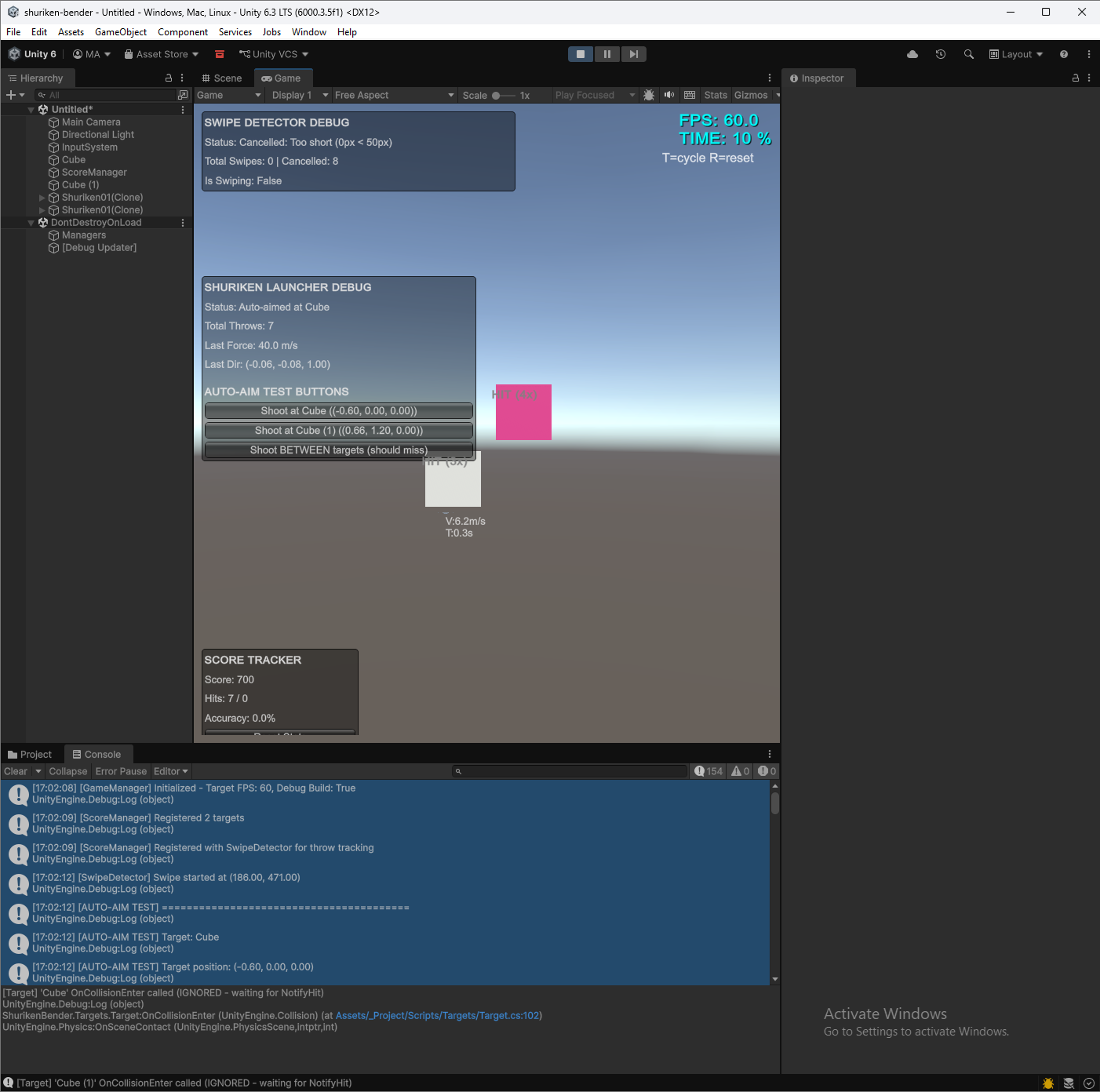
Target Hit Detection screenshot

Targets detect shuriken hits with proper collision handling. Fixed phantom hit detection caused by ContinuousSpeculative mode by having projectiles notify targets directly.

Static target component
ScoreManager tracking
Hit flash feedback
Multi-hit support
Authoritative NotifyHit pattern
Bounds-based hit validation

Technical Details

ColliderSphere r=0.15
DetectionContinuousSpeculative
Flash0.1s white
Points100/hit

Learnings

ContinuousSpeculative causes phantom OnCollisionEnter on nearby objects
Fix: Projectile calls target.NotifyHit() directly instead of relying on target's OnCollisionEnter
Use bounds.Contains() to validate hit point is actually inside target
0be7fe3 Add static target component86aa1b9 Add ScoreManagerb0bfcf3 Fix duplicate hit detectionc00b49b Bounds check for false hits
02

Shuriken Launch with Physics

📅 Jan 25, 2026🔀 2 commits
Complete
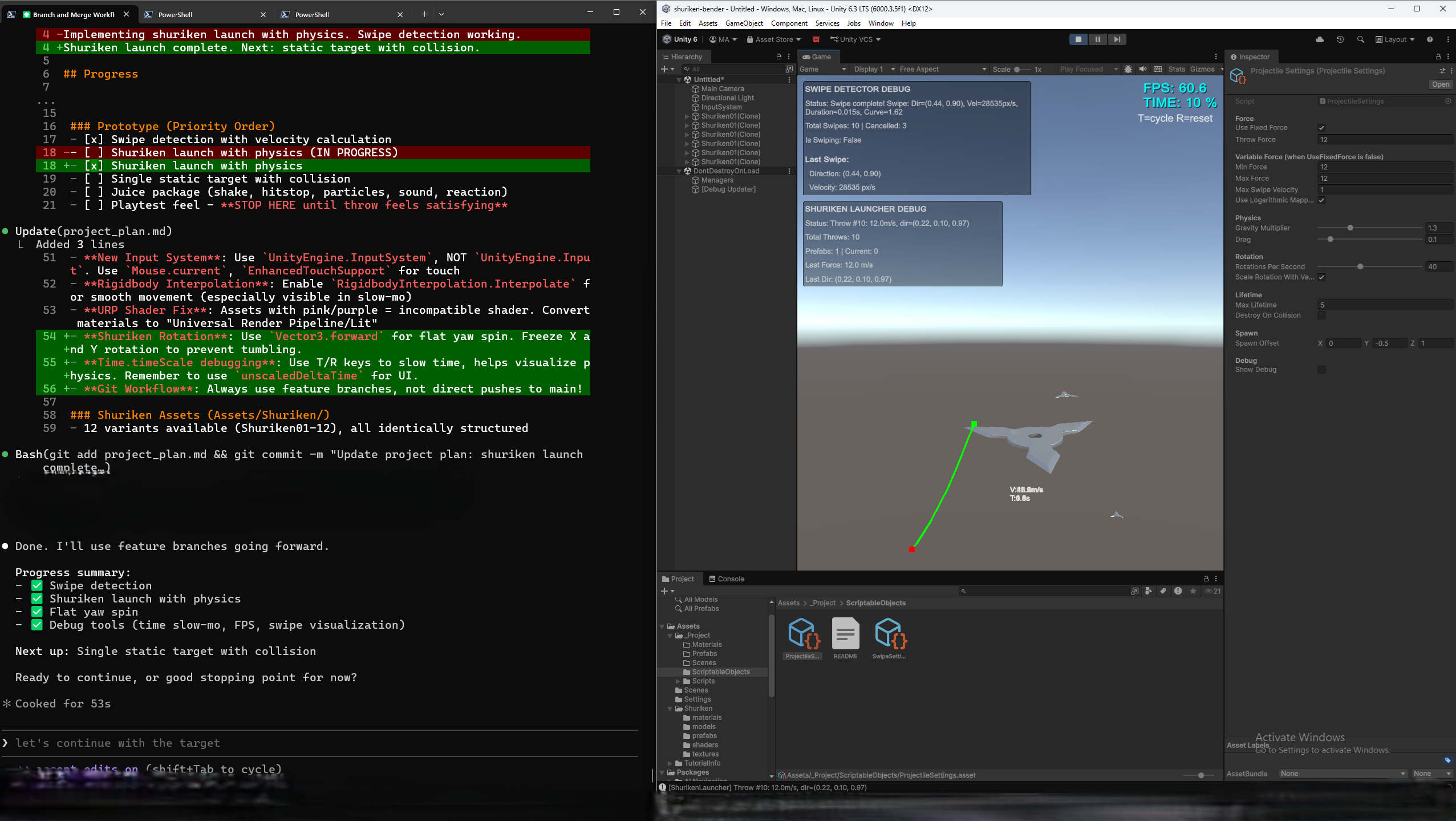
Shuriken Launch with Physics screenshot

Shuriken now launches with physics based on swipe input. The projectile flies with proper velocity, direction, and flat yaw spin. Debug tools enhanced with time slow-mo controls.

Swipe-to-launch working
130% gravity (feels punchy)
Flat yaw spin (40 rot/sec)
Rigidbody interpolation
Time slow-mo (T/R keys)
ScriptableObject settings

Technical Details

Throw Force12 m/s
Gravity1.3x
Rotation40/sec
Lifetime5s max
FPS60.6
CollisionContinuous

Learnings

Enable RigidbodyInterpolation.Interpolate for smooth movement in slow-mo
Pink assets = URP shader issue → Convert to Universal Render Pipeline/Lit
Use Vector3.forward for flat yaw spin, freeze X/Y rotation
a0ef10c shuriken launch complete
01

Input System Foundation

📅 Jan 25, 2026🔀 2 commits
Complete
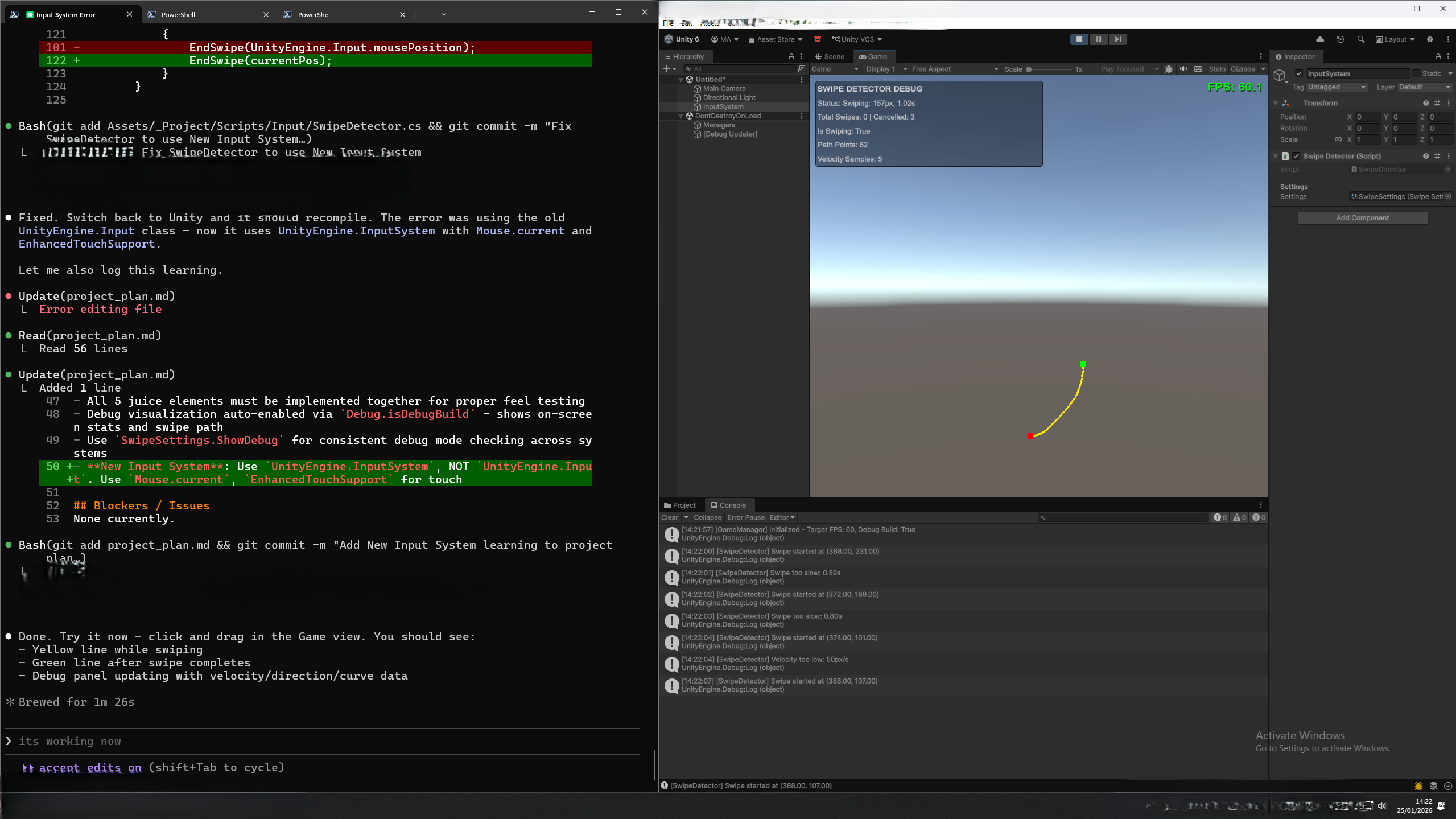
Input System Foundation screenshot

Initial swipe input detection working in the Unity editor. The foundation for touch/mouse input has been established with real-time debug visualization.

Swipe gesture detection
Velocity calculation
Path point tracking (62 pts)
Visual feedback (yellow/green)
Swipe validation (min speed)
Debug panel overlay

Technical Details

Velocity28535 px/s
Path Points62
Samples5
FPS80.1

Learnings

Use UnityEngine.InputSystem, NOT legacy UnityEngine.Input
Use Mouse.current and EnhancedTouchSupport for touch
Read input in Update(), apply physics in FixedUpdate()
c925a91 Fix SwipeDetector75886df Add learnings